Architecture Shadow is a script for Affinity 3.3.3 that casts directional shadows from selected, closed and filled wall shapes. Version 4.6 offers a crisp, solid shadow or a soft shadow whose edges spread with distance from the walls. The original shapes remain intact.
Two shadow styles
Solid shadow
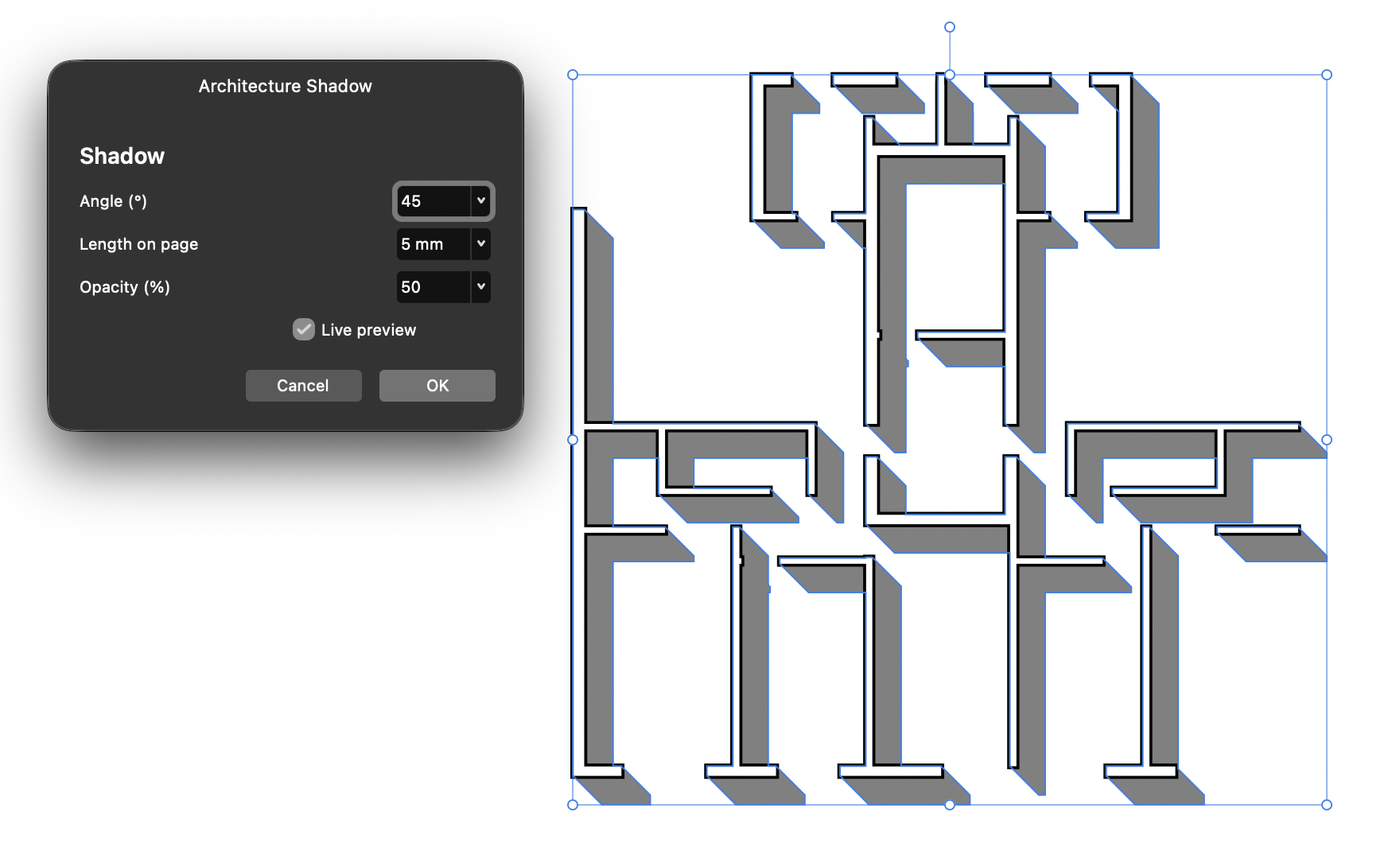
Choose Solid shadow for clean, hard edges. This mode has no blur or far-end fade; overall opacity still applies.
Soft shadow
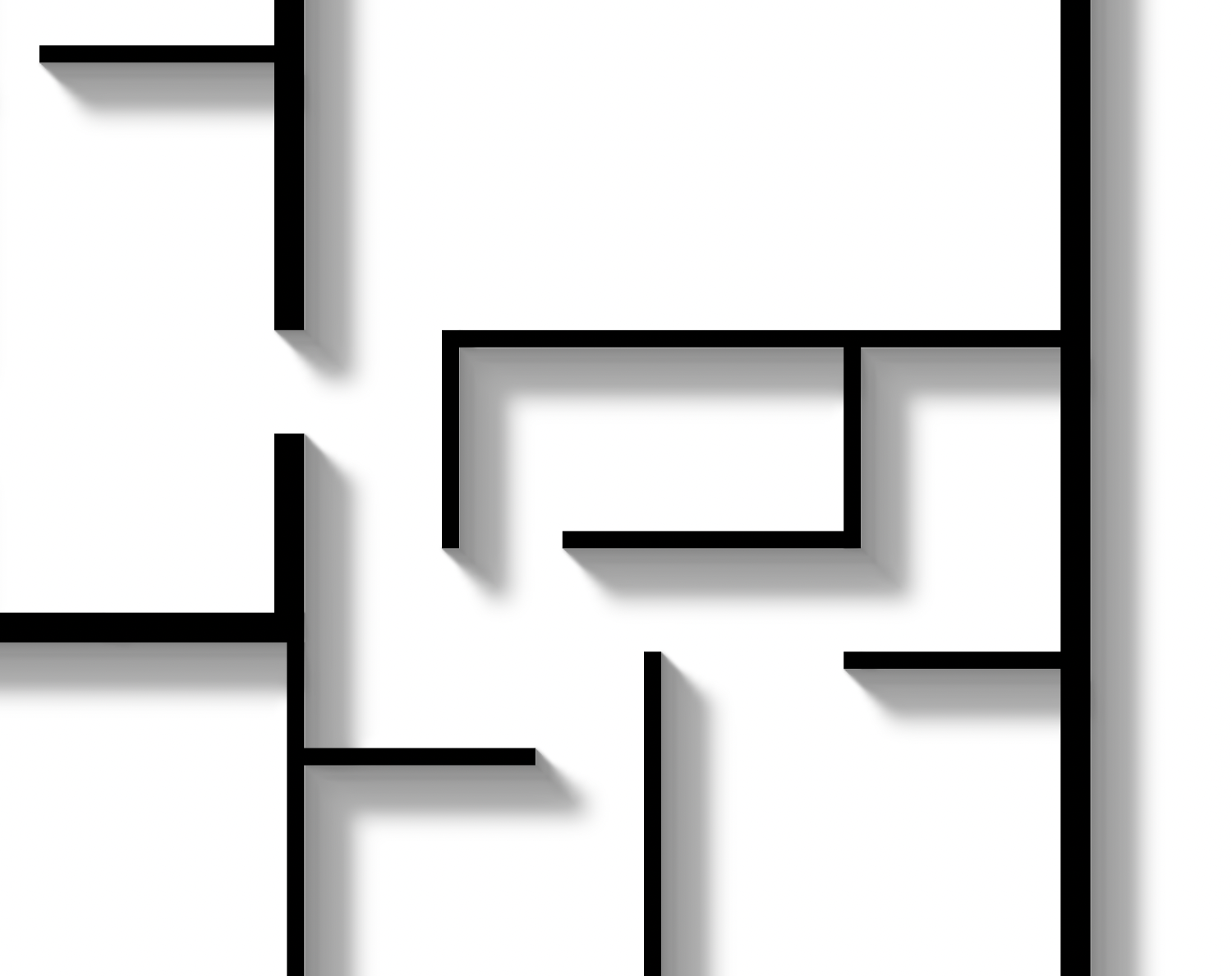
Leave Solid shadow off to control maximum edge softness, blur growth and far-end fade. The dialog previews the geometric footprint; blur is calculated after you click OK. It also gives an approximate render-time estimate.
Install and run
- Download Architecture Shadow 4.6 and extract the ZIP.
- Open Window → Scripting → Scripts Library in Affinity. Open the menu beside a library category and choose Import Script… (singular), then select
Architecture-Shadow.afscript. The ZIP also contains the complete JavaScript source and an English README. - On the first run, Affinity asks whether you trust the imported script. Choose Show in Editor to review its code, or Trust & Run to accept and run it.
- Select the closed, filled shapes representing your walls. You can select several separate shapes, a group or an imported DWG compound; you do not need to unite them first.
- Set the angle, length on the page and opacity. The angle field accepts any value, and a dropdown offers eight 45° presets. Choose the shadow style and click OK.
How it works and what it does not simulate
The script preserves the selected walls and adds an independent shadow layer below them. The output is raster artwork; the original wall shapes remain editable vectors. An empty Architecture Shadow Settings layer keeps the last used values, so deleting a shadow does not reset the controls.
This is a graphic projection shortcut, not a solar or lighting simulation. Its cast outline is geometrically faithful only when the receiving surface is completely coplanar. Steps, changes in level and other obstructions require a different shadow calculation.
Compatibility
Version 4.6 has been confirmed working in Affinity 3.3.3 on macOS, including imported DWG compounds. Windows has not been tested. Very large soft shadows may take longer to render or require a smaller area or softness setting.
Download
Download Architecture Shadow 4.6 — ZIP. It contains the installable .afscript, the complete .js source and a README.
Technical reference: official Affinity 3.3.3 SDK.